Emby Settings
For your device to play Emby Movies/Shows in the best quality (and less work on the Emby Server) you need to change some settings in your Emby App/s.
These need to be done on ALL of your devices, ALL!
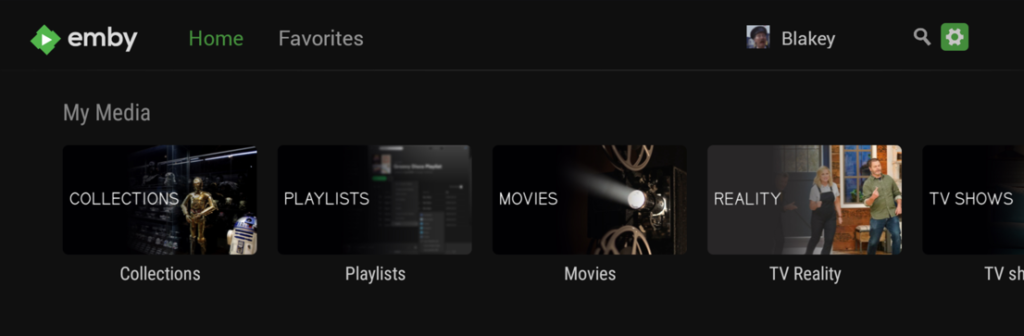
If you don’t see Settings you’re either not logged into CosyEmby, or not on the Emby Home Screen.
Navigate to the settings icon (Settings tab in Apple TV) up top and to the right, highlight it and click to open up the Settings page.
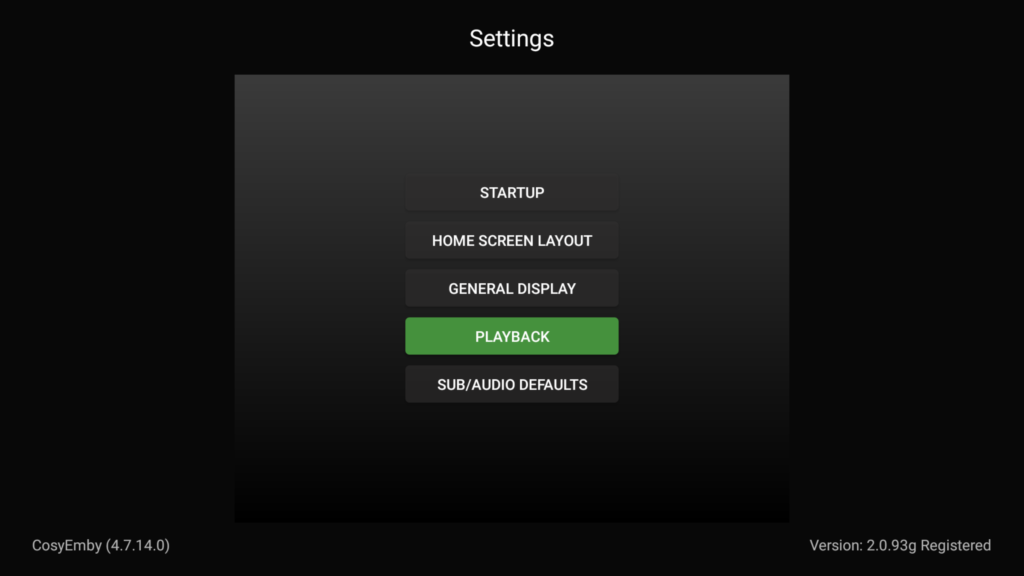
Now scroll down and highlight “PLAYBACK”
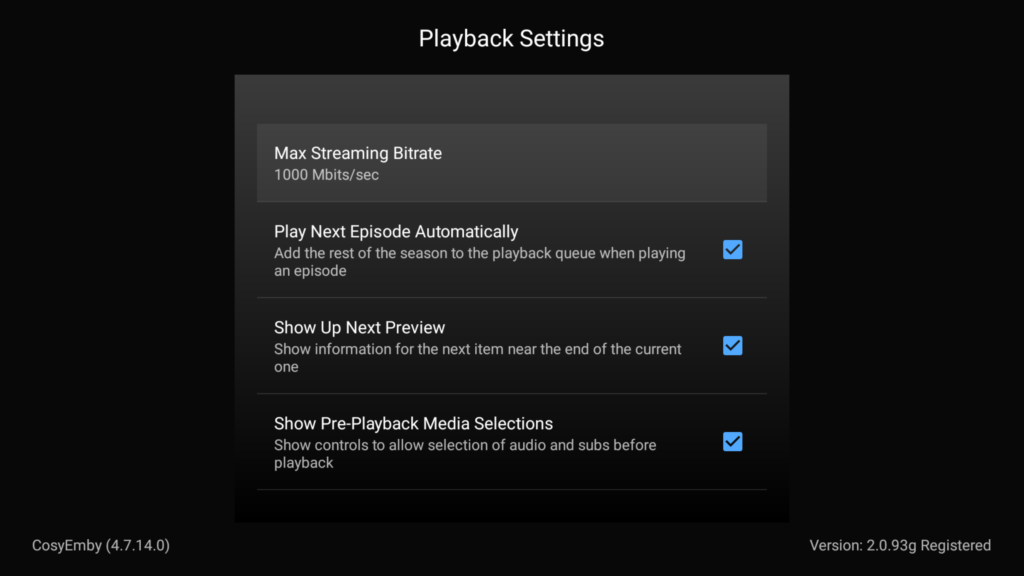
Click on “PLAYBACK” to open the Playback Settings, the click on “Max Streaming Bitrate” to open up the list.
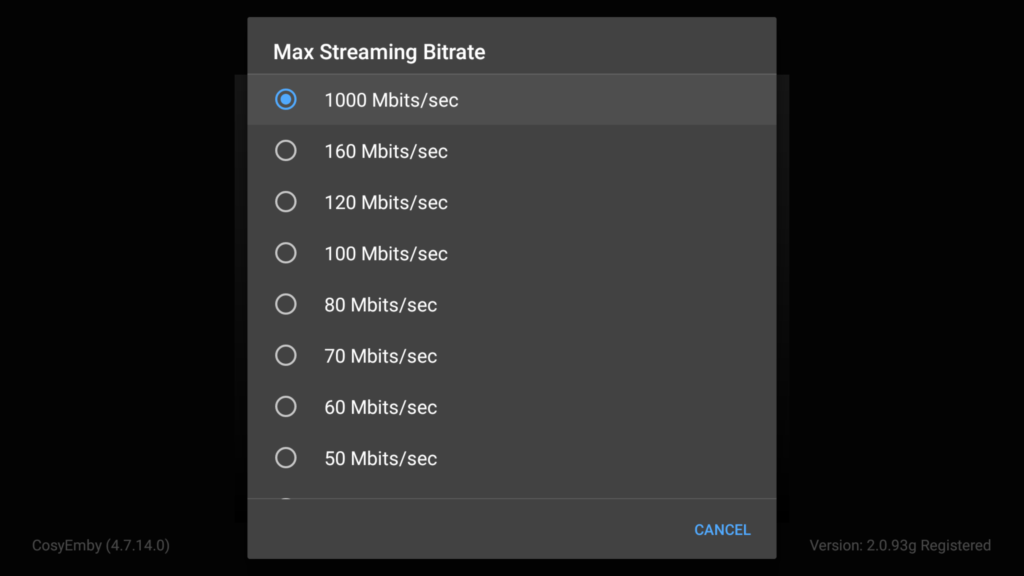
Then select the highest option which is generally 1000 Mbits/sec (4k 160Mbps on Apple TV) though most apps do offer “AUTO” but I would still change to the specs above just to be safe.
That’s it regarding the Playback Settings, all other settings are user preference like Login options, Subtitles etc.