Device Maintenance
What is Maintenance and Why Do I Need it
Have you ever been in the middle of a good movie or show and got the wheel of death.
Not much fun. The good news is that with a few minutes of maintenance you can get
back to your show.
The streaming apps on your device build up a repository of operational information,
called Cache, after multiple hours of streaming. Over time this reduces the device’s
memory to the point that it can’t process your show efficiently.
What is this Maintenance you speak of?
Using the device settings tools we can release built up cache memory for each app we
use.
Step 1
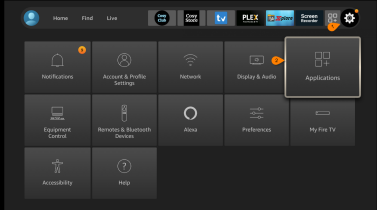
From the Home bar scroll over
and select the Settings icon
Select Applications
Step 2
Select Manage Installed
Applications
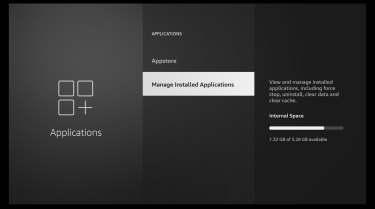
Step 3
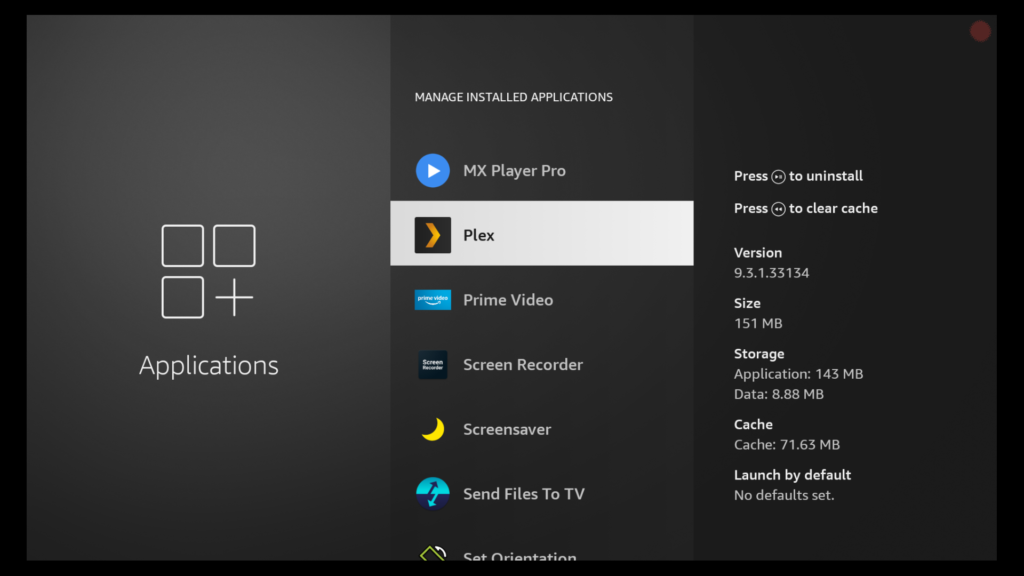
Scroll thru your list looking for
the streaming apps you use
that have built up cache.
Step 4
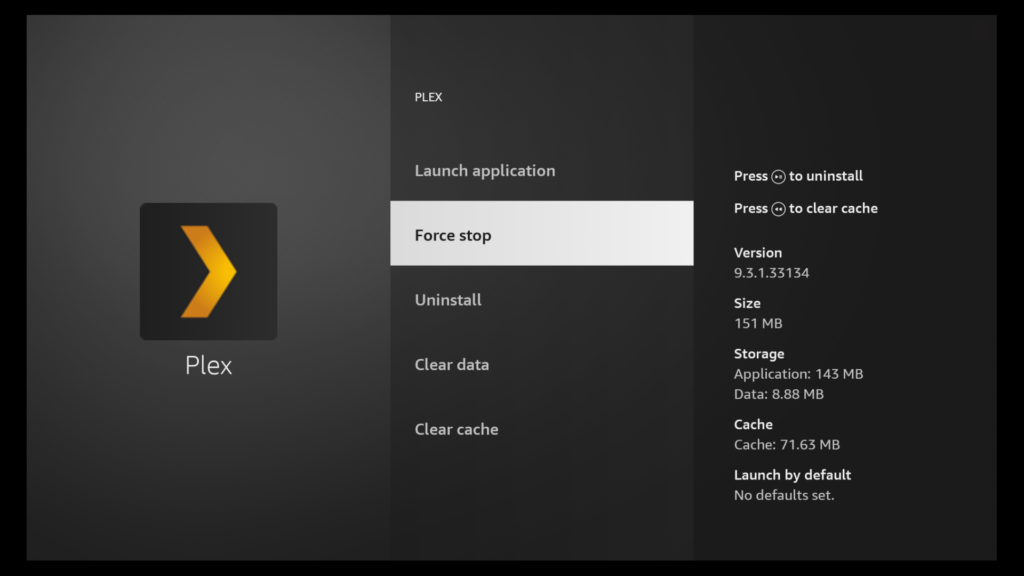
Select the app and select Force
Stop
Step 5
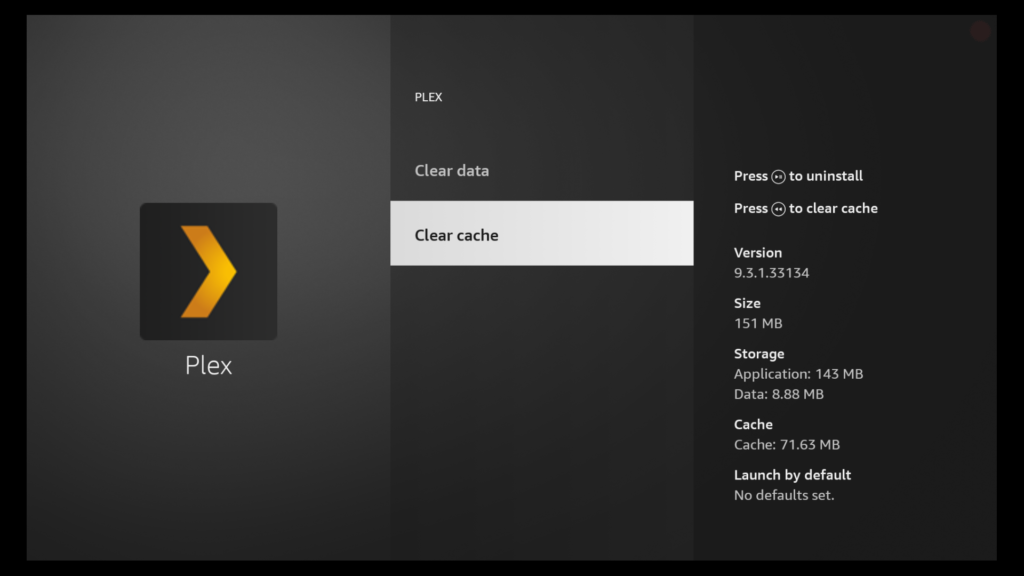
Select Clear Cache to release
the built up memory
Do Not Clear Data
Now the Important Part
- Unplug the power on each streaming device you have.
- Unplug the power to your router.
- Leave everything unplugged for at least 4 minutes. This will release the device
cache from it’s volatile memory and clear everything up. - Put a reminder on your phone’s calendar to do this at least once a week.
Personally I do this every Monday and Friday morning and rarely suffer from
buffering.